AI models on Flashloop
28 models for video, image and upscaling: 19 video generators, 7 image generators and 2 upscalers, all on iOS, Android and web. Pick the output first, then compare length, resolution and aspect ratios on each model page. Super Agent also runs 32 chat models (LLMs), each with its own page.
Video models22
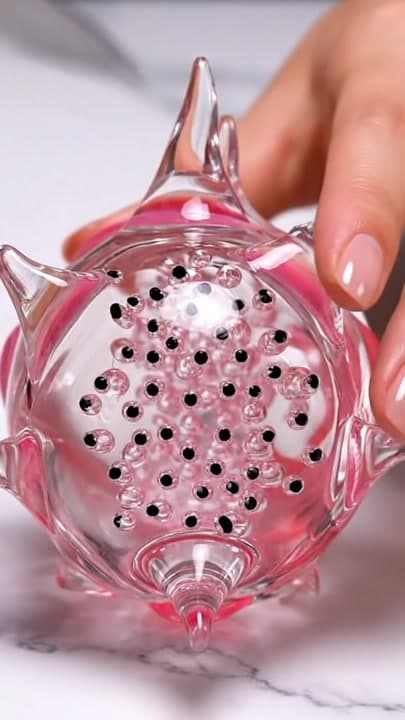
Veo 3.1
Google DeepMind's Veo 3.1: 8-second videos with dialogue, sound effects and ambience generated in one pass.
8 seconds · 1080p

Kling 3.0
Kuaishou's Kling 3.0: multi-shot video up to 15 seconds, with consistent characters across cuts.
15 seconds · Pro (1080p)
Kling 3.0 Turbo
Kuaishou's faster, cheaper Kling 3.0: text and image to video at 720p or 1080p, up to 15 seconds.
15 seconds · 1080p
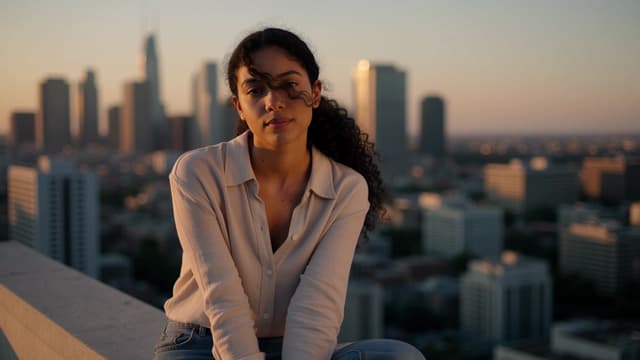
Kling 4.0
Kuaishou's Kling 4.0: clips up to 30 seconds in one pass, with reference control and sound on every clip.
30 seconds · 1080p

Kling 2.6
Kuaishou's Kling 2.6: animate a still into a 10-second 1080p clip at 48fps, with voice and sound.
10 seconds · 1080p
Seedance 2.5
ByteDance's Seedance 2.5: one continuous 30-second shot, native audio and up to 50 reference files.
30 seconds · 1080p

Seedance 2.0
ByteDance's Seedance 2.0: native audio, camera control that follows direction, and up to 4K on High.
15 seconds · 4K
Seedance 2.0 Mini
ByteDance's lower-cost Seedance 2.0: native audio, up to 15 seconds, at 480p or 720p.
15 seconds · 720p

MiniMax H3 Max
fal's post-trained version of MiniMax H3: 5 to 15 second clips with native audio and up to 12 reference files.
15 seconds · 768p

MiniMax H3 Max Turbo
fal's faster, distilled H3 Max: quicker at every resolution and length, at half the price.
15 seconds · 768p
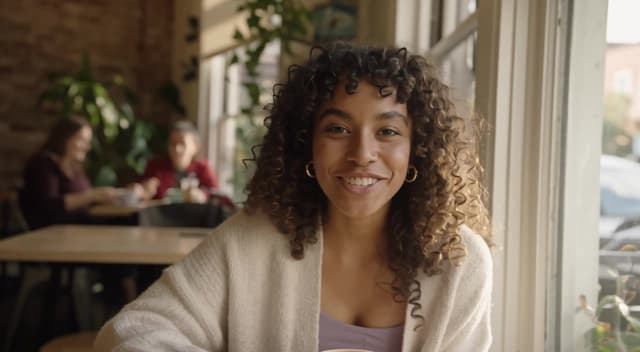
FLUX 3
Black Forest Labs' FLUX 3: video clips up to 20 seconds with native audio, and keyframes at chosen moments.
20 seconds · 1080p
MiniMax Hailuo 3
MiniMax's H3 model: video and stereo audio in one pass, legible on-screen text, up to native 2K.
15 seconds · 2K

Seedance 1.5 Pro
ByteDance's audio-video model: 12-second clips with native sound and multilingual lip-sync.
12 seconds · 1080p

Wan 2.6
Alibaba's Wan 2.6: 15-second videos with audio and multi-shot continuity, on Flashloop's free tier.
15 seconds · 720p

Wan 3.0
Alibaba's Wan 3.0: native audio, up to 30 seconds at 1080p, steered by images, clips, audio, a web link or a document.
30 seconds · 1080p

Wan 3.0 Prime
Alibaba's Wan 3.0 on a faster serving path: same inputs, formats and native audio, quicker turnaround.
30 seconds · 1080p

Grok Imagine
xAI's Grok Imagine: fast video with native audio, several variations per prompt and clips up to 30 seconds.
30 seconds · 720p
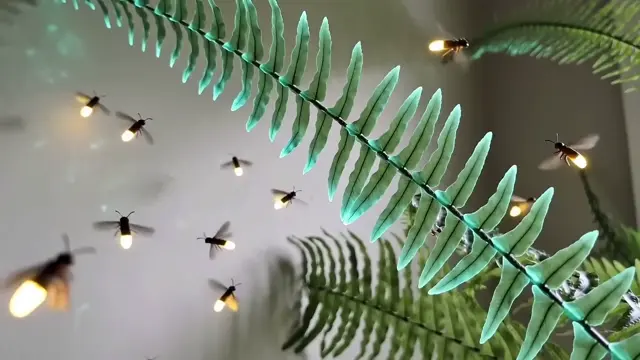
Gemini Omni
Google DeepMind's Gemini Omni: video from text, reference images or a clip, at up to 4K on Flashloop.
10 seconds · 4K

Gemini Omni Flash 1.1
Google DeepMind's Gemini Omni Flash 1.1: video with first and last frame control, up to 4K.
10 seconds · 4K
Gemini Omni ProComing soon
Gemini Omni Pro: the stronger Omni tier Google DeepMind confirmed at I/O 2026, still without a release date.
MiniMax H3.1Coming soon
MiniMax H3.1 is the next MiniMax video model. CEO Yan Junjie called it close to completion in August 2026, without a date.
Wan 4.0Coming soon
Alibaba's next video model is due in November 2026. Wan 4.0 is a placeholder name: Alibaba has not said what it will be called.
Image models9
Nano Banana Pro
Google's Gemini 3 Pro Image: 4K images, edits in plain English and clean text in several languages.
4K

Nano Banana 2.1
Google's Nano Banana 2.1, built on Gemini 3.6 Flash: up to 4K images, clearer text and stronger multi-reference edits.
4K
Flux 2
Black Forest Labs' FLUX.2: speed or quality tiers, up to 8 references and up to 4MP images.
4MP (2048x2048)

Seedream 5.0 Lite
ByteDance's Seedream 5.0 Lite: fast images that reason through the prompt, with optional web search and clean EN/CN text.
4K

Seedream 5.0 Pro
ByteDance's Seedream 5.0 Pro: controlled generation, precise edits and crisp multilingual text, with up to 10 references.
2K (High)
GPT Image 2
OpenAI's GPT Image 2: images from text or up to 16 references, at 1K, 2K or 4K, with long detailed prompts.
4K

GPT Image 2.5
OpenAI's GPT Image 2.5: Flare for fast everyday images, Sunburst for precise edits, both in one model.
Nano Banana 3 ProComing soon
Nano Banana 3 Pro is an unconfirmed Google image model from a leak that says it may arrive in November or December 2026.
GPT Image 3Coming soon
GPT Image 3 is a guessed name for OpenAI's next image model, based on aurora alpha models spotted in its API.
Upscale models2

Chat models (LLMs)32

GPT-6.1 Sol
OpenAI's GPT-6 Sol upgrade, close to GPT-6 Astra on agentic coding and computer use for far less.
1.05M tokens of context

GPT-6.1 Sol Pro
GPT-6.1 Sol in OpenAI's pro reasoning mode, for hard problems where accuracy beats speed.
1.05M tokens of context

Claude Sonnet 5.5
Anthropic's upgrade to Sonnet 5 for everyday building, bug fixing and polished documents.
1M tokens of context

GPT-6 Luna
OpenAI's most efficient GPT-6 model for focused, high-volume work, and Super Agent's default.
1.05M tokens of context

GPT-6 Luna Pro
GPT-6 Luna in OpenAI's pro reasoning mode, giving the efficient GPT-6 model more work per request.
1.05M tokens of context

Claude Opus 5.5
Anthropic's newest Opus, near Fable 5.1 on most work and built for long agentic coding.
1M tokens of context

GPT-6 Sol
OpenAI's GPT-6 model between Luna and Astra, trained like Astra and able to reply with reasoning off.
1.05M tokens of context
GPT-6 Sol Pro
GPT-6 Sol in OpenAI's pro reasoning mode, built for the hardest requests you can give it.
1.05M tokens of context

Grok 4.7
xAI's newest Grok, trained on many-hour problems and built to check its own work.
500K tokens of context
GPT-6 Astra
OpenAI's GPT-6 flagship, with top scores on computer use, browsing and software engineering.
1.05M tokens of context
GPT-6 Astra Pro
GPT-6 Astra, OpenAI's GPT-6 flagship, run in pro reasoning mode for the hardest problems.
1.05M tokens of context

Claude Fable 5.1
Anthropic's Fable 5.1, the same model as Mythos 5.1, for long agentic coding and research.
1M tokens of context
Claude Sonnet 5
Anthropic's most agentic Sonnet at launch, close to Opus 4.8 and able to reply with thinking off.
1M tokens of context

Claude Opus 5
Anthropic's Opus 5, close to Fable 5 at half the price, with thinking you can turn off.
1M tokens of context

Claude Fable 5
Anthropic's Mythos-class model made safe for general use, strongest on long, complex tasks.
1M tokens of context

GPT 5.6 Sol
The GPT-5.6 flagship from OpenAI, with stronger computer use and the first max effort setting.
1.05M tokens of context
Grok 4.6
xAI's Grok 4.6 for turning a broad product idea into a working first version, with 500K context.
500K tokens of context
Gemini 3.7 Flash
Google's August 2026 Flash model for coding and agents, built to get code right on the first pass.
1M tokens of context

GLM-5.3
Z.ai's open-weight, text-only model for long coding runs and security work, with 1M context.
1M tokens of context

Kimi K3
Moonshot AI's open 2.8T-parameter model for long coding sessions, research and video input.
1M tokens of context
DeepSeek V4 Flash
DeepSeek's fast, economical V4 model; Super Agent runs the April 2026 preview build.
1M tokens of context

GPT 5.6 Terra
The balanced model in OpenAI's GPT-5.6 series, roughly its mini tier, for everyday work.
1.05M tokens of context

GPT 5.6 Luna
OpenAI's fastest, most affordable GPT-5.6 model for quick chat and high-volume work.
1.05M tokens of context

Claude Opus 4.8
Anthropic's Opus 4.8, about four times less likely than Opus 4.7 to let flaws in its code pass unremarked.
1M tokens of context

Grok 4.5
xAI's Grok 4.5, trained alongside Cursor for coding and office work, served at 80 tokens a second.
500K tokens of context
Gemini 3.6 Flash
Google's workhorse Flash for production-ready code and fast agent loops, ahead of 3.5 Flash.
1M tokens of context

Gemini 3.5 Flash
Google's I/O 2026 Flash for agents and coding, launched ahead of Gemini 3.1 Pro on two agentic benchmarks.
1M tokens of context
Gemini 3.5 Flash Lite
Google's fastest, lowest-cost Gemini 3.5 model for extraction, routing and subagent tasks.
1M tokens of context

Gemini 3.1 Pro Preview
Google's deep-reasoning Pro model, still a preview in Google's API, for agentic coding.
1M tokens of context

DeepSeek V4 Pro
DeepSeek's largest V4 model for coding, knowledge and STEM; Super Agent runs the April preview.
1M tokens of context

Kimi K2.6
Moonshot AI's open coding model that turns prompts and visual inputs into working interfaces.
256K tokens of context

Seed 2.1 Turbo
ByteDance's Seed 2.1 Turbo, the fast, low-cost Seed 2.1 model for agents, coding and video understanding.
256K tokens of context
How to choose a model
Native dialogue or sound in the render
Veo 3.1, Kling 4.0, Kling 2.6, and 13 more
The longest clips, up to 30 seconds
Kling 4.0, Seedance 2.5, Wan 3.0, and 2 more
The most aspect ratio options for one video model
Kling 4.0, Seedance 2.5, Seedance 2.0, and 8 more
High-resolution stills for print or a large display
Nano Banana Pro, Nano Banana 2.1, Seedream 5.0 Lite, and 1 more
Enlarging a file you already generated
Topaz Image Upscale or Topaz Video Upscale, both work directly from My Assets
Questions about AI models on Flashloop
How many AI models does Flashloop support?
Flashloop currently runs 28 AI models: 19 for video, 7 for image, and 2 for upscaling, all available on iOS, Android, and web.
Which AI video model should I use?
It depends on what you need. Veo 3.1 is built for native audio, Seedance 2.5, Wan 3.0, Wan 3.0 Prime and Grok Imagine render the longest clips, up to 30 seconds, and the Seedance 2.0 family, H3 Max and Hailuo 3 offer the most aspect ratios. Each model page includes a full comparison with related models.
Which AI image model should I use?
Nano Banana Pro is built for natural language editing and multilingual text, Seedream 5.0 Lite reaches 4K fast, Flux 2 trades top resolution for speed tiers, and GPT Image 2 and GPT Image 2.5 bring OpenAI's rendering style.
Can I upscale a video or image I already generated on Flashloop?
Yes. Topaz Image Upscale and Topaz Video Upscale both accept files from My Assets, so you can enlarge anything created on Flashloop without re-uploading it.