Updated

OpenAI
GPT Image 2
OpenAI's GPT Image 2: images from text or up to 16 references, at 1K, 2K or 4K, with long detailed prompts.
What is GPT Image 2?
GPT Image 2 is OpenAI's image generation and editing model, launched on April 21, 2026 as the successor to gpt-image-1.
In ChatGPT it appears as Images 2.0. It reasons about the prompt before drawing, edits existing images and renders text in many scripts. On Flashloop it generates at 1K, 2K or 4K with up to 16 reference images.
It is built for dense briefs. OpenAI allows prompts up to 32,000 characters, so you can describe a full layout, the copy, the mood and the constraints in one go, and the model works through them before it starts drawing. Sixteen reference images is also more than most image models accept, which helps when a campaign has to match a product, a mascot and a brand palette at once. Text rendering covers non-Latin scripts too, including Japanese, Korean and Hindi.
The reasoning step makes it slower than quick models like Seedream 5.0 Lite, and OpenAI describes output above roughly 2560x1440 as experimental, so check fine detail on 4K renders. In September 2026 OpenAI released GPT Image 2.5, with a faster Flare mode and a higher-quality Sunburst mode; GPT Image 2 remains a solid choice for detailed, reference-heavy work.
- Provider
- OpenAI
- Resolution
- 1K, 2K, 4K
- Aspect ratios
- 1:1, 16:9, 9:16, 4:3, 3:4, auto
What you can do with GPT Image 2
Text-to-image and image editing in one model
1K, 2K and 4K output, from quick concepts to production assets
Six aspect ratio options
auto, 1:1, 16:9, 9:16, 4:3 and 3:4
Up to 16 reference images for tightly directed results
Long prompts
OpenAI allows up to 32,000 characters, room for a full creative brief
Text in many scripts, including Japanese, Korean and Hindi
Prompts to try with GPT Image 2
“A Y2K-style fashion magazine cover called "BUBBLEGUM" in bold glossy pink letters, a model in chrome sunglasses blowing a bubble, cover lines "Summer's Loudest Looks" and "50 Pages of Glitter" along the left side, bright flash photography, 3:4.”
Where GPT Image 2 fits best
Magazine and poster layouts
Describe the headline, the cover lines and the image in one prompt and get a composed layout with the text in place.
Campaigns built from many references
Attach the product, the mascot, the palette and example ads, up to 16 images, and keep every output on brand.
Localized creative
Render the same design with copy in Japanese, Korean, Hindi or other scripts.
Concept mockups
Turn a written product idea into a believable mockup for a pitch deck or a landing page.
Editorial illustration
Scenes for articles and blog posts where the prompt explains an idea rather than a single object.
How GPT Image 2 compares
| Model | Top resolution | Aspect ratios | Plan |
|---|---|---|---|
| GPT Image 2 | 4K | 1:1, 16:9, 9:16 +3 | All plans |
| Nano Banana Pro | 4K | 1:1, 3:2, 2:3 +2 | All plans |
| Nano Banana 2.1 | 4K | 1:1, 2:3, 3:2 +11 | All plans |
| Flux 2 | 4MP (2048x2048) | 1:1, 3:2, 2:3 +2 | All plans |
| Seedream 5.0 Lite | 4K | 1:1, 3:2, 2:3 +2 | All plans |
Good to know before you generate
- OpenAI calls output above roughly 2560x1440 experimental, so check fine detail at 4K
- Reasoning before drawing makes it slower than fast models such as Seedream 5.0 Lite
- GPT Image 2.5 is OpenAI's newer model with a faster Flare mode
Start creating with GPT Image 2
Create with GPT Image 2Select GPT Image 2
Open Flashloop and choose GPT Image 2 from the model selector in the image creator.
Enter your prompt
Describe what you want to generate.
Generate and download
Hit generate and your image will be ready in seconds. Download or share directly.
Questions about GPT Image 2
Who makes GPT Image 2?
OpenAI, the company behind ChatGPT. GPT Image 2 follows gpt-image-1 and gpt-image-1.5. Flashloop gives you access to it alongside other image models.
What resolutions does GPT Image 2 support on Flashloop?
1K, 2K and 4K. OpenAI supports outputs up to 3840 pixels on the long edge but describes anything above roughly 2560x1440 as experimental, so 2K is the safest setting for fine detail.
How many reference images can I use with GPT Image 2?
Up to 16, which is the limit OpenAI sets for the model and what Flashloop allows.
How long can a GPT Image 2 prompt be?
OpenAI allows up to 32,000 characters for its GPT Image models, enough for a detailed creative brief with layout and copy.
Is GPT Image 2 good at text in images?
Yes, including non-Latin scripts such as Japanese, Korean and Hindi. Put the exact text in quotes and say where it should appear.
Should I use GPT Image 2 or GPT Image 2.5?
GPT Image 2.5 is newer, with Flare for speed and Sunburst for precise edits. Stick with GPT Image 2 if a workflow is already tuned to it, otherwise start with 2.5 and compare results on your own brief.
More image models on Flashloop
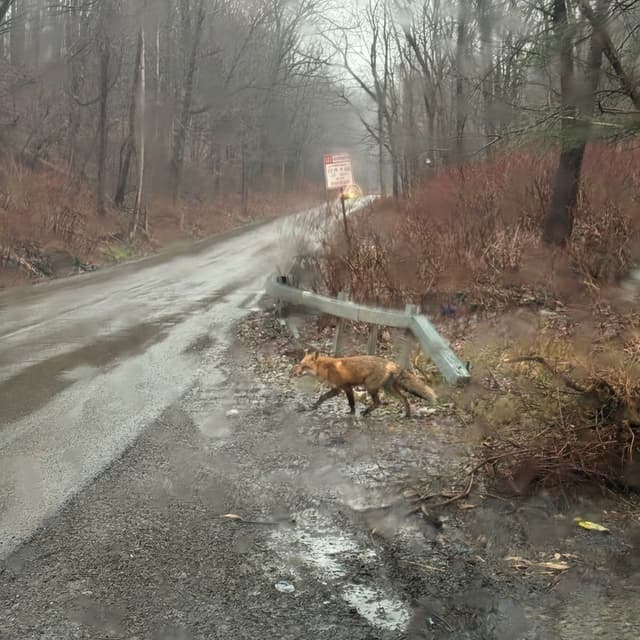 Nano Banana Pro
Google's Gemini 3 Pro Image: 4K images, edits in plain English and clean text in several languages.
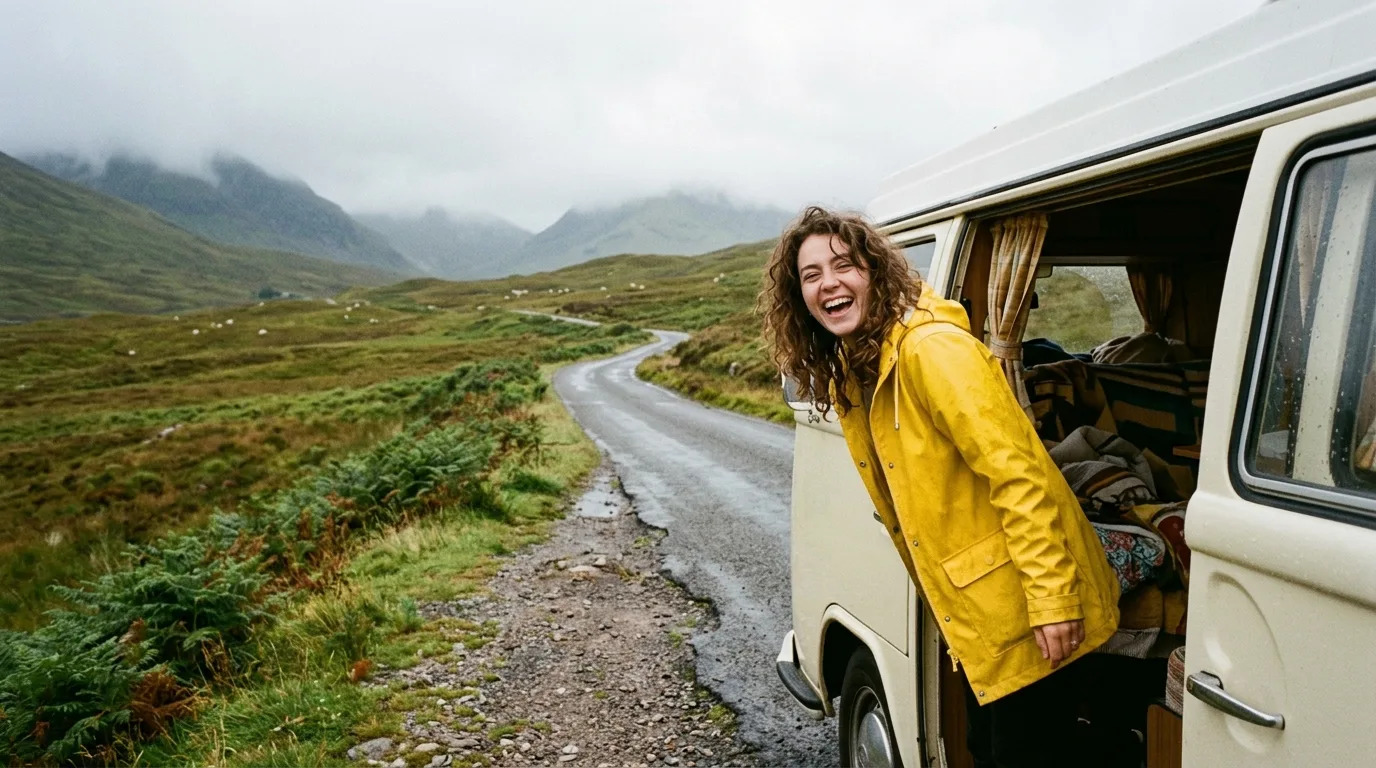 Nano Banana 2.1
Google's Nano Banana 2.1, built on Gemini 3.6 Flash: up to 4K images, clearer text and stronger multi-reference edits.
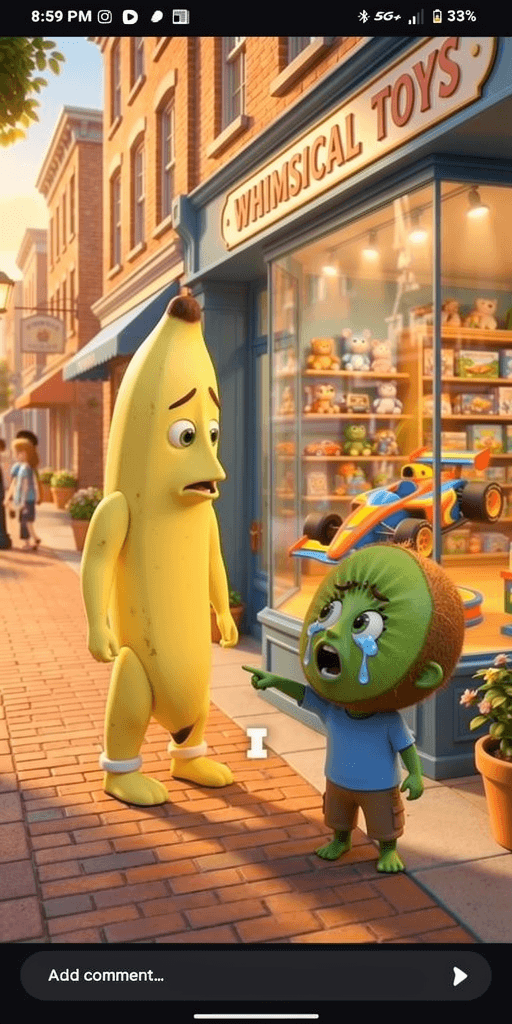 Flux 2
Black Forest Labs' FLUX.2: speed or quality tiers, up to 8 references and up to 4MP images.
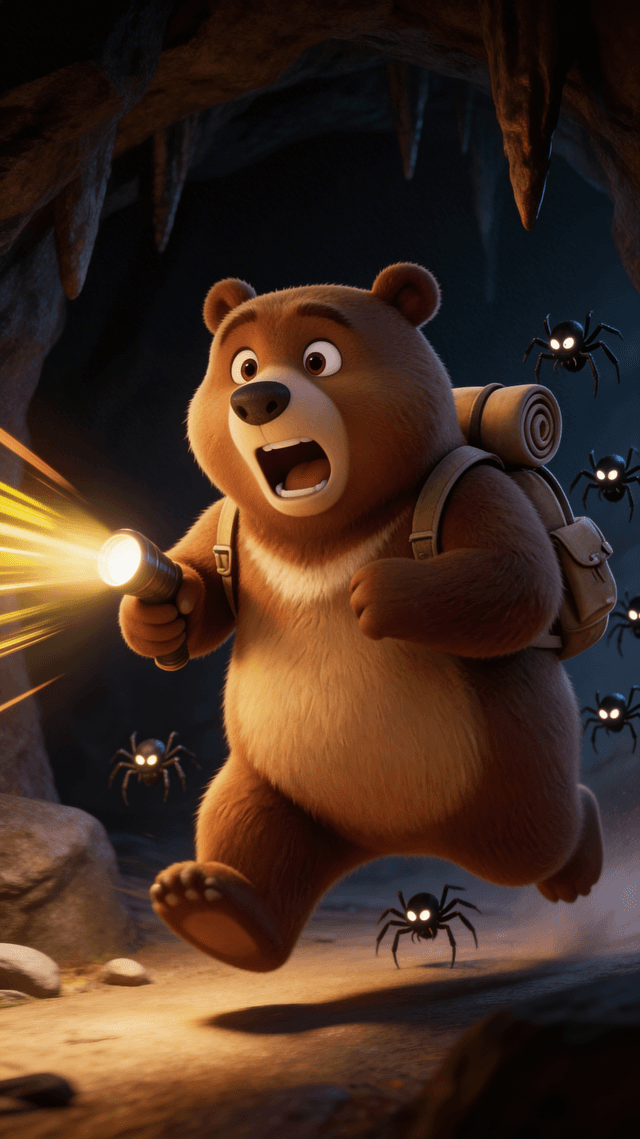 Seedream 5.0 Lite
ByteDance's Seedream 5.0 Lite: fast images that reason through the prompt, with optional web search and clean EN/CN text.