Ads Studio: AI ad generator that turns a product photo into ads, UGC videos and posters
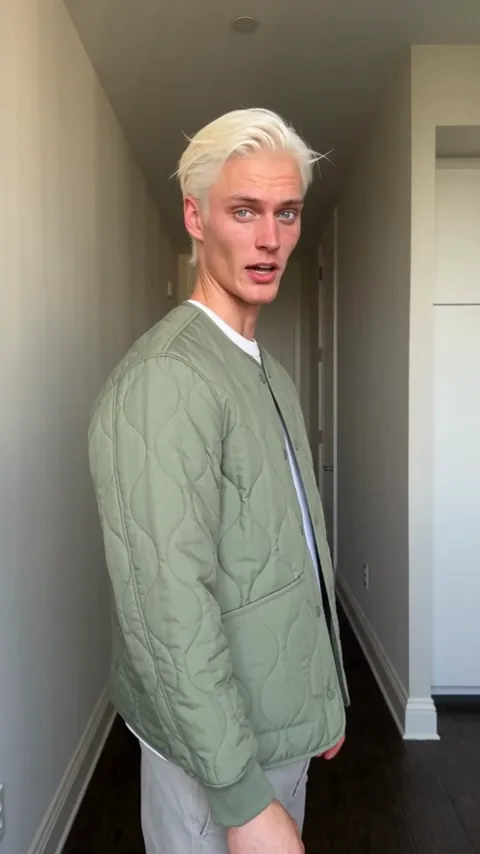
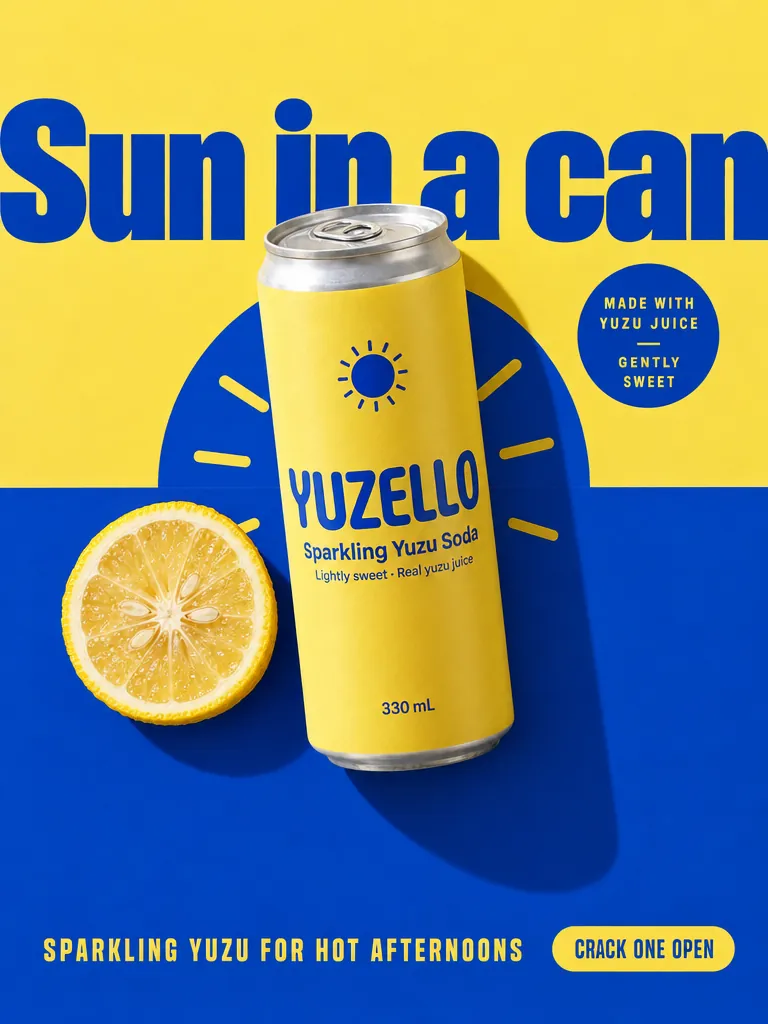
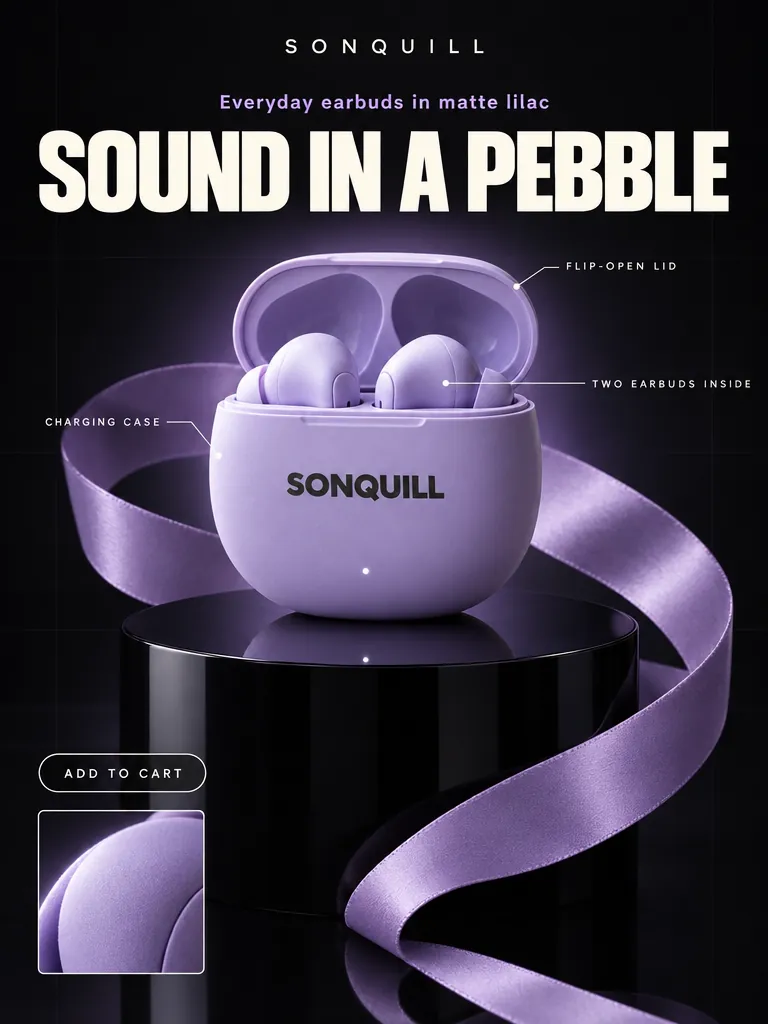

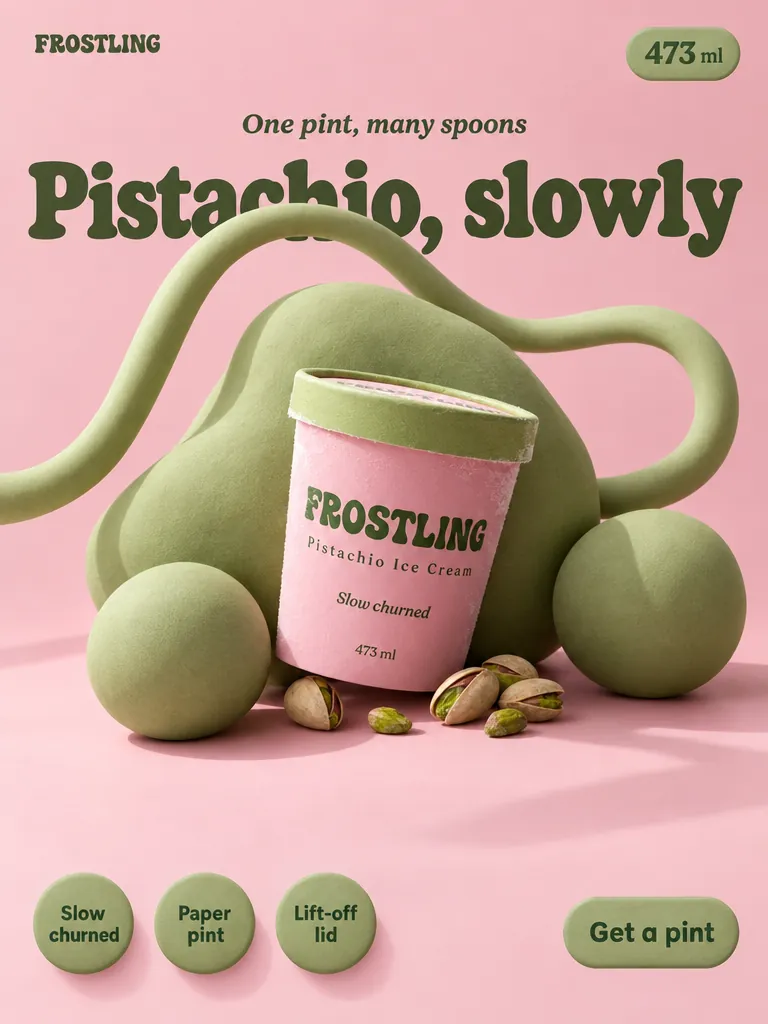

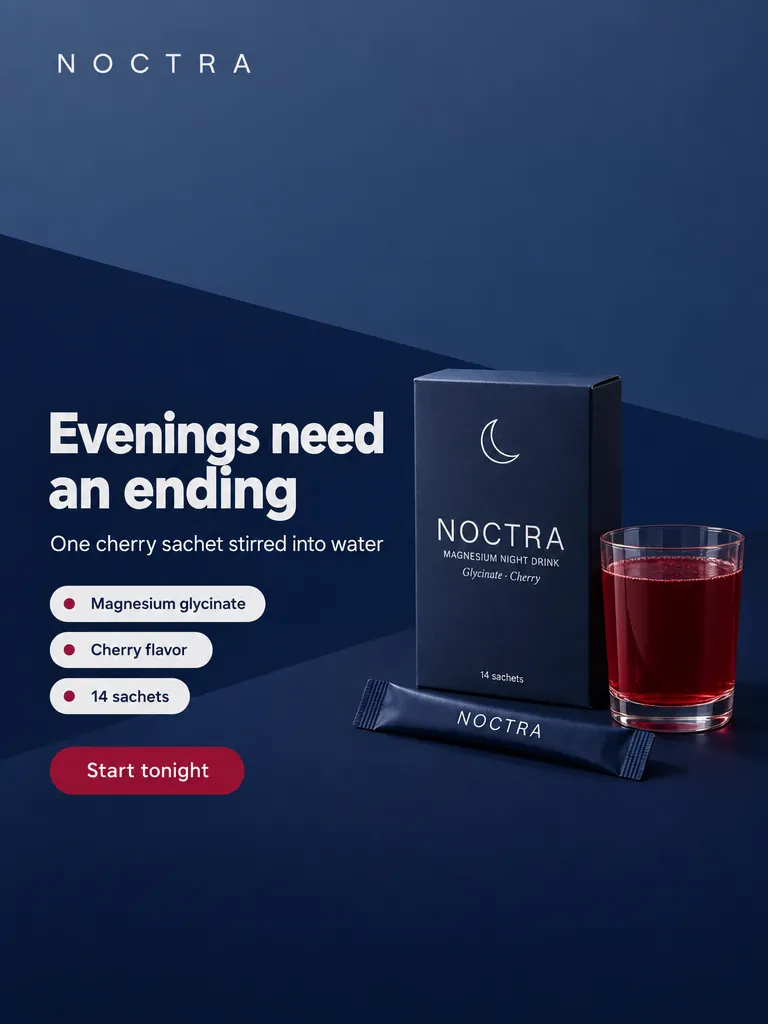
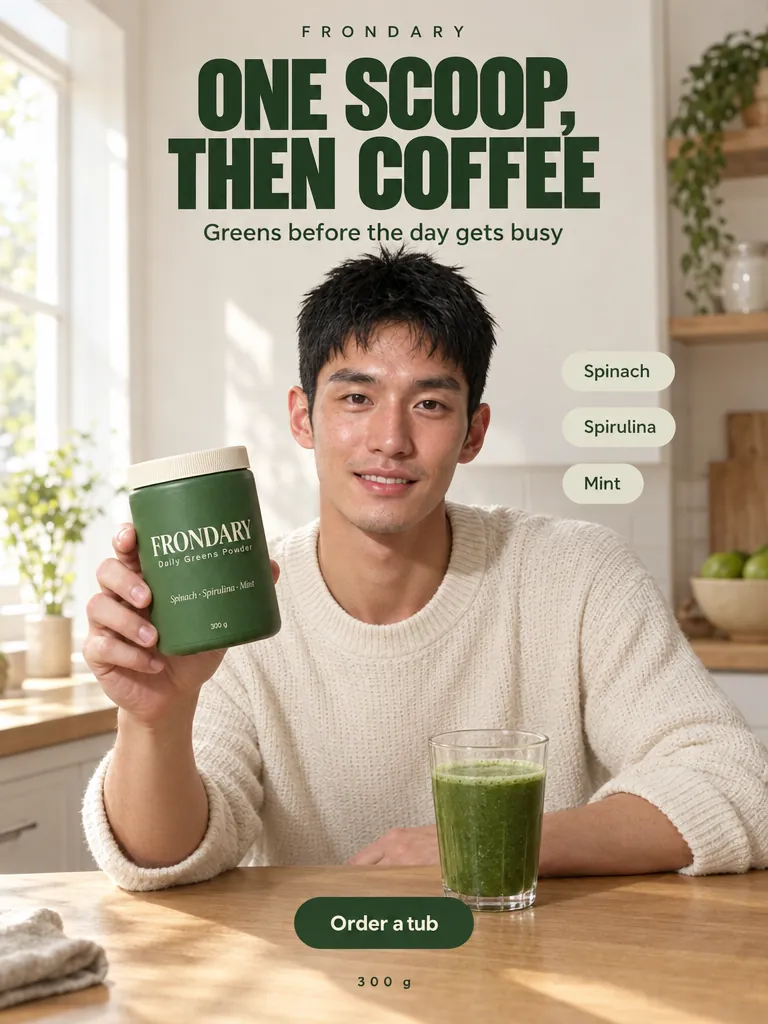
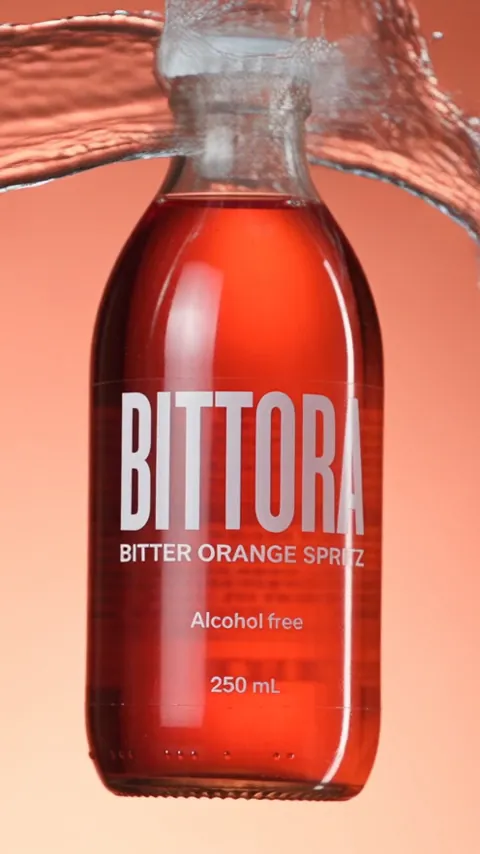
From one product phototo ads, UGC and posters
Start from a template
Common questions
What is Ads Studio?
Ads Studio is Flashloop's AI ad generator. Add a photo of your product, choose a style or a template and it makes image ads, product shots, marketplace images and posters, as well as UGC and motion videos of that product. It runs in the browser and every result is saved to a project you can open again.
What can I make with Ads Studio?
Image ads and video ads built around your product. The composer works in Image mode or Video mode, and each has its own styles. You can also start from one of 61 templates in 8 categories: Product shot, People, Motion, UGC, Ads, Posters, Marketplace and Photoshoot. Motion and UGC are videos and the rest are images. Use this template asks for your product, an optional avatar and any changes you want, then Generate makes it.
How do I make an ad from a product photo?
Open the Product tile in the composer and create a product: upload its photo, give it a name and press Add product. Pick Image or Video, choose a style, write what the ad should show and press Generate. The button shows the price in credits before you press it, and the results open in a project. To skip the prompt, pick a card under Start from a template and choose Use this template.
How does Ads Studio keep my product the same in every ad?
It works from a saved product. A product is a photo with a name of up to 120 characters, and you can add a description of up to 2,000 characters. The studio sends that photo as the reference for every image and video you make with the product, and saved products stay in the Product tile so you can reuse one across styles and templates. For shots with a person, the Avatar tile has built-in avatars to pick from.
Which models, aspect ratios and resolutions does Ads Studio offer?
Its own models are Ads Studio Image for images and Ads Studio Video for videos. The aspect ratio, resolution and duration options in the composer list what the chosen style supports, so the choices change with the style. In Image mode you can ask for up to 4 images at once. The model menu also lists Flashloop's other image and video models.
How much does an ad cost?
You pay in credits, and the Generate button shows the price before you press it. The price depends on the style, the resolution, the duration of a video, the number of images and, for some styles, the references you add. Changing any of them updates the number on the button, so you see the cost of what you are about to make. A template shows its price on its own Generate button too.
How do I download my ads?
Open the menu on any result in a project and choose Download. To save several at once, select them and press Download in the bar that appears, and they arrive as one archive. The same menu has Like, Recreate and Copy prompt, plus Copy image or Copy video URL. Everything you make is listed under Generations, and what you like is under Favorites.
Can I try Ads Studio without an account?
Yes. You can open Ads Studio without signing in, look through the styles and all the templates, write a prompt and choose the options. It asks you to sign in when you press Generate or add a reference, and when you open Generations or Favorites. Generating uses credits from your Flashloop account.
Last updated