 Kuaishou
Kling 2.6
Turn images into 10-second 1080p videos with 48fps motion control and native speaking, singing, or rapping audio.
- Max Duration
- 10 seconds max
- Resolution
- 1080p
- Aspect Ratios
- 16:9, 9:16, 1:1
- Audio
- Native audio
What makes Kling 2.6 unique
Image-to-video workflow
Start from a still image and animate it into a full clip
1080p at 48fps
Smooth output for social posts, promos, and motion-heavy scenes
Motion control
Guide how the camera or subject moves instead of leaving everything to chance
Native audio
Generate voice and sound in the same workflow
Voice type options
Choose speaking, singing, or rapping depending on the scene
Multi-format output
Supports 16:9, 9:16, and 1:1
Where it falls short
- –720p cap in standard mode, Pro mode needed for 1080p
- –Singing and rapping voice types are hit-or-miss on timing
- –Less effective than Kling 3.0 for multi-angle sequences
- –Complex backgrounds can blur during fast camera pans
Best for
Prompt tips
- 1.
Use a clean source image. Front-facing subjects, clear lighting, and simple backgrounds usually animate better than busy photos.
- 2.
Describe motion in layers. Subject motion, camera motion, and background motion should each get their own short instruction.
- 3.
If you want lip-sync, keep the line short. One sentence usually lands better than a long monologue.
- 4.
For singing or rapping, mention tempo and energy. Slow soulful, upbeat pop, or fast aggressive rap gives the model a better lane.
How Kling 2.6 works
Upload an image, describe the motion, camera behavior, and audio style, then choose your aspect ratio. KLING 2.6 generates up to 10 seconds of 1080p video at 48fps, with options for speaking, singing, or rapping voice output and more directed motion control.
How to use on Flashloop
Select Kling 2.6
Open Flashloop and choose Kling 2.6 from the model selector in the video creator.
Write your prompt
Describe what you want to see in your video, be as detailed as you like.
Generate & download
Hit generate and your video will be ready in seconds. Download or share directly.
Frequently asked questions
Yes. It is especially useful when you want to start from a still image and animate it into a short video with more control.
It supports up to 10 seconds at 1080p and 48fps. That makes it a solid choice for smoother motion and cleaner exports.
Yes. It includes native audio generation, so you can create voice-led clips without exporting to a separate voice tool first.
You can guide it toward speaking, singing, or rapping. That gives it more range than standard talking-head style models.
Yes. Motion control is one of its main strengths, especially for camera movement, facial animation, and how a still image comes alive.
It is great for creators who already have an image and want to animate it. That includes portrait videos, music clips, product motion, and vertical social posts.
Other video models
View all →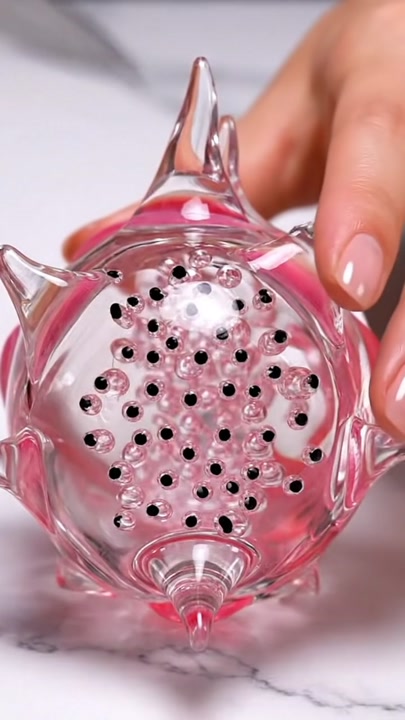
 Google DeepMind
Veo 3
Generate 8-second videos with native dialogue, sound effects, and ambient audio in one pass.
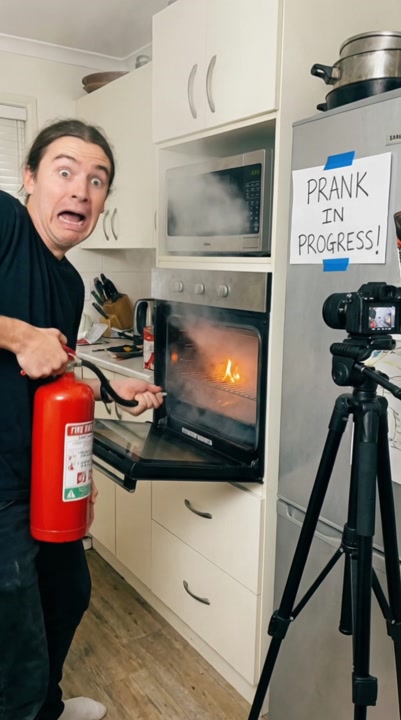 Kuaishou
Kling 3.0
Create up to 15-second multi-shot videos with character consistency, 4K 60fps support, and bilingual audio.
 Kuaishou
Kling 3.0 Turbo
A faster, more affordable Kling 3.0, text-to-video and image-to-video at 720p or 1080p, up to 15 seconds.
Ready to create with Kling 2.6?
Available on iOS, Android, and web.
Start Creating