 ByteDance
Seedream 5.0 Lite
Generate 4K images in 2–3 seconds with web-aware prompts, strong reasoning, and near-perfect EN/CN text.
- Resolution
- 1024x1024, Up to 4K
- Aspect Ratios
- 1:1, 3:2, 2:3, 16:9, 9:16

What makes Seedream 5.0 Lite unique
2–3 second generation
Get usable outputs fast enough for rapid testing and content batching.
Up to 4K resolution
Create high-detail images for ads, storefronts, product pages, and print-ready comps.
Chain of Thought reasoning
Handles prompts with multiple instructions, constraints, and structured details more reliably.
Real-time web search
Pull in current context when the prompt depends on up-to-date information.
Near-perfect EN and CN text rendering
Produce layouts with readable English and Chinese text more consistently.
Example-based editing
Show the model the direction you want and revise with less back-and-forth.
Where it falls short
- –Web search grounding does not always reflect the very latest product designs
- –Chain of Thought reasoning adds a small overhead, not always faster than claimed 2-3s
- –Stylized and artistic output is weaker than Flux 2
- –Only one showcase image available, less community proof than other models
Best for
Prompt tips
- 1.
Give it layered instructions in order: subject, layout, text, style, then background. This model handles structured prompts well, so use that.
- 2.
If the design needs text, write the exact wording and specify language, placement, and hierarchy like “large title, small subtitle, bottom CTA.”
- 3.
Use example-based editing when the vibe matters more than the description. One good reference can save 5 prompt rewrites.
- 4.
For trend-based content, mention what should feel current and what should stay generic. That keeps the output timely without making it too literal.
How Seedream 5.0 Lite works
Start with a prompt or an example image, choose your aspect ratio, and generate in 2 to 3 seconds. SEEDREAM 5.0 LITE uses reasoning to interpret multi-part instructions, can pull in live web context when needed, and is especially strong when your image needs accurate text in English or Chinese.
How to use on Flashloop
Select Seedream 5.0 Lite
Open Flashloop and choose Seedream 5.0 Lite from the model selector in the image creator.
Write your prompt
Describe what you want to generate, be as detailed as you like.
Generate & download
Hit generate and your image will be ready in seconds. Download or share directly.
Frequently asked questions
It usually generates in about 2 to 3 seconds. That makes it a strong choice when you need to test lots of ideas quickly or produce batches of social and ad creatives.
Yes, text rendering is one of its strongest features. It performs especially well with English and Chinese, which makes it useful for posters, packaging, menus, and promo graphics.
It helps the model use current information when your prompt depends on recent context. That can be useful for trend-aware creative, topical campaigns, or prompts tied to public information.
It means you can guide edits using example images instead of describing every detail from scratch. This is handy when you want to match a layout, color direction, or overall look more closely.
It supports up to 4K output in 1:1, 3:2, 2:3, 16:9, and 9:16. That covers most common formats for product pages, social posts, ads, banners, and vertical content.
Choose it when speed, text accuracy, and prompt reasoning matter most. It’s a great fit for bilingual design work, fast campaign testing, and image prompts with multiple constraints.
Other image models
View all →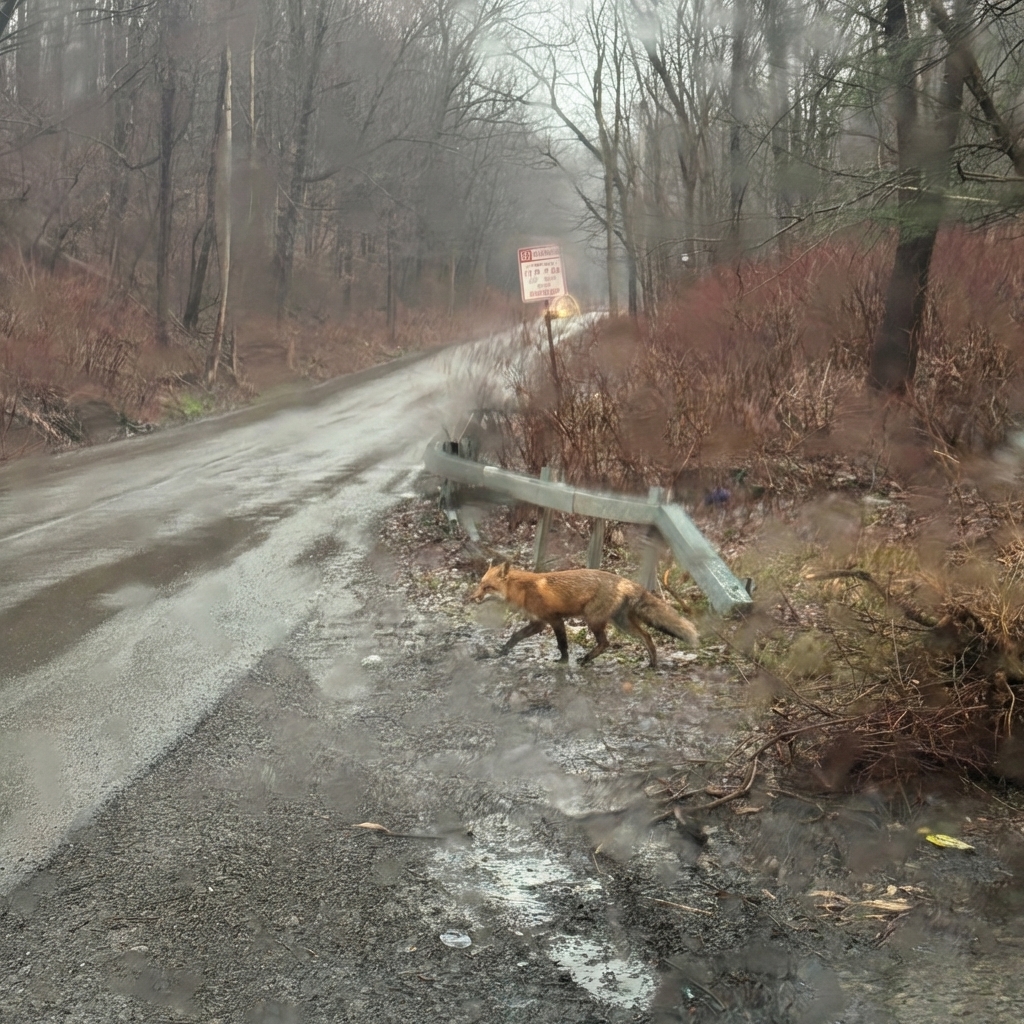
 Google
Nano Banana Pro
Generate 4K images, edit with plain English, and blend up to 4 references in one pass.
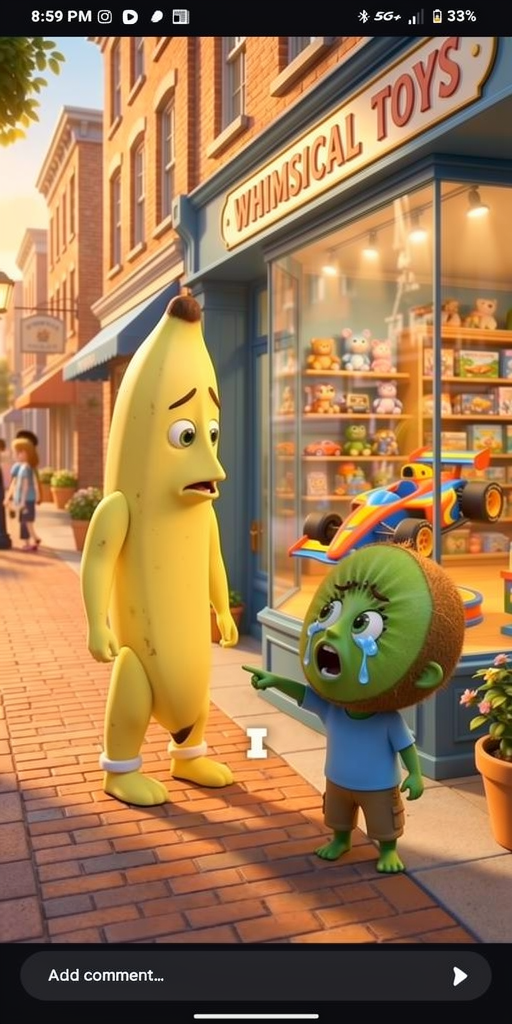
 Black Forest Labs
Flux 2
Create fast, flexible images with up to 10 references, LoRA tuning, and four speed-to-quality tiers.
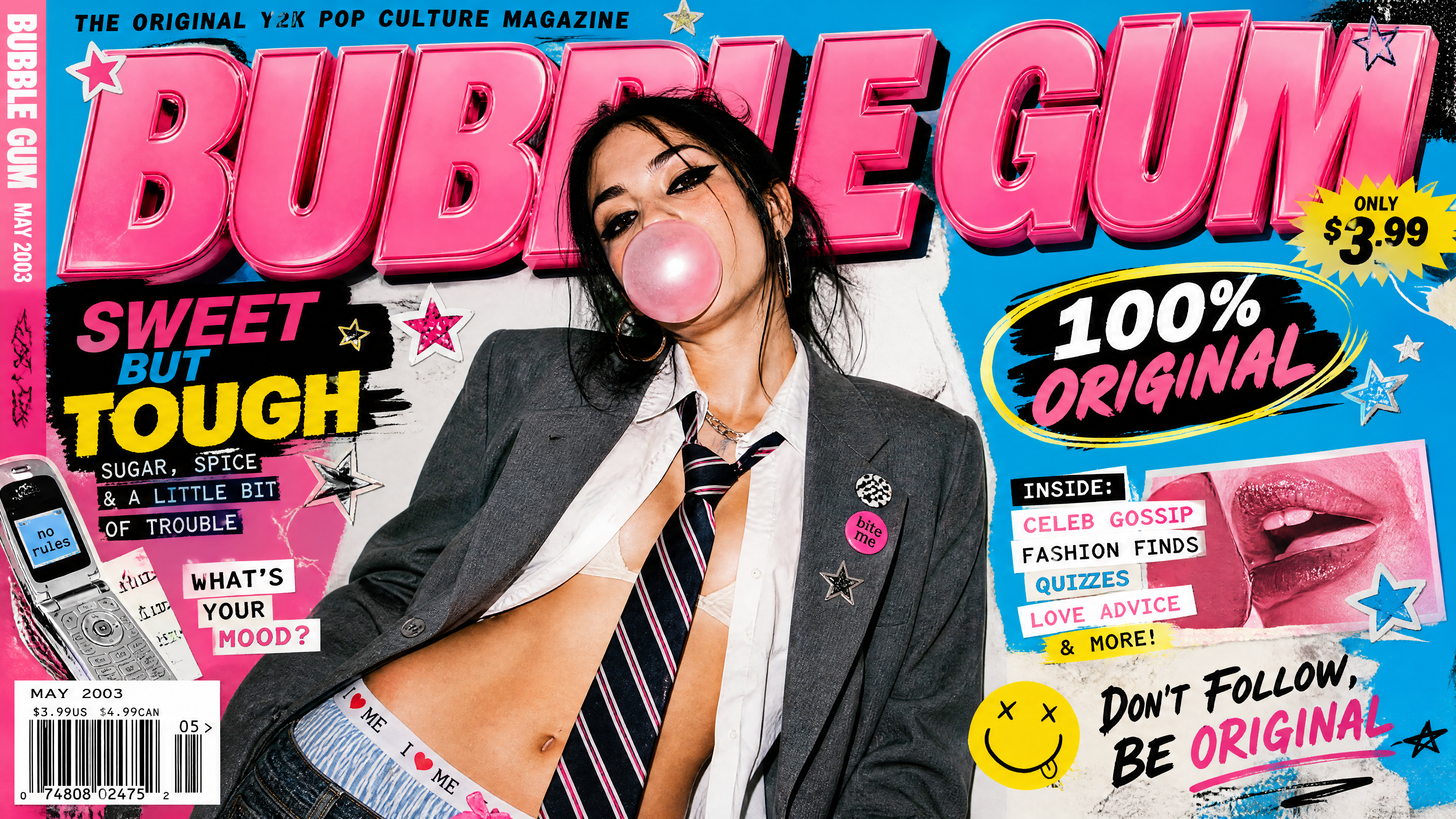
 OpenAI
GPT Image 2
Generate high-quality images from text or references with OpenAI's GPT Image 2, 1K, 2K, and 4K output with 20,000-character prompts.
Ready to create with Seedream 5.0 Lite?
Available on iOS, Android, and web.
Start Creating