Updated
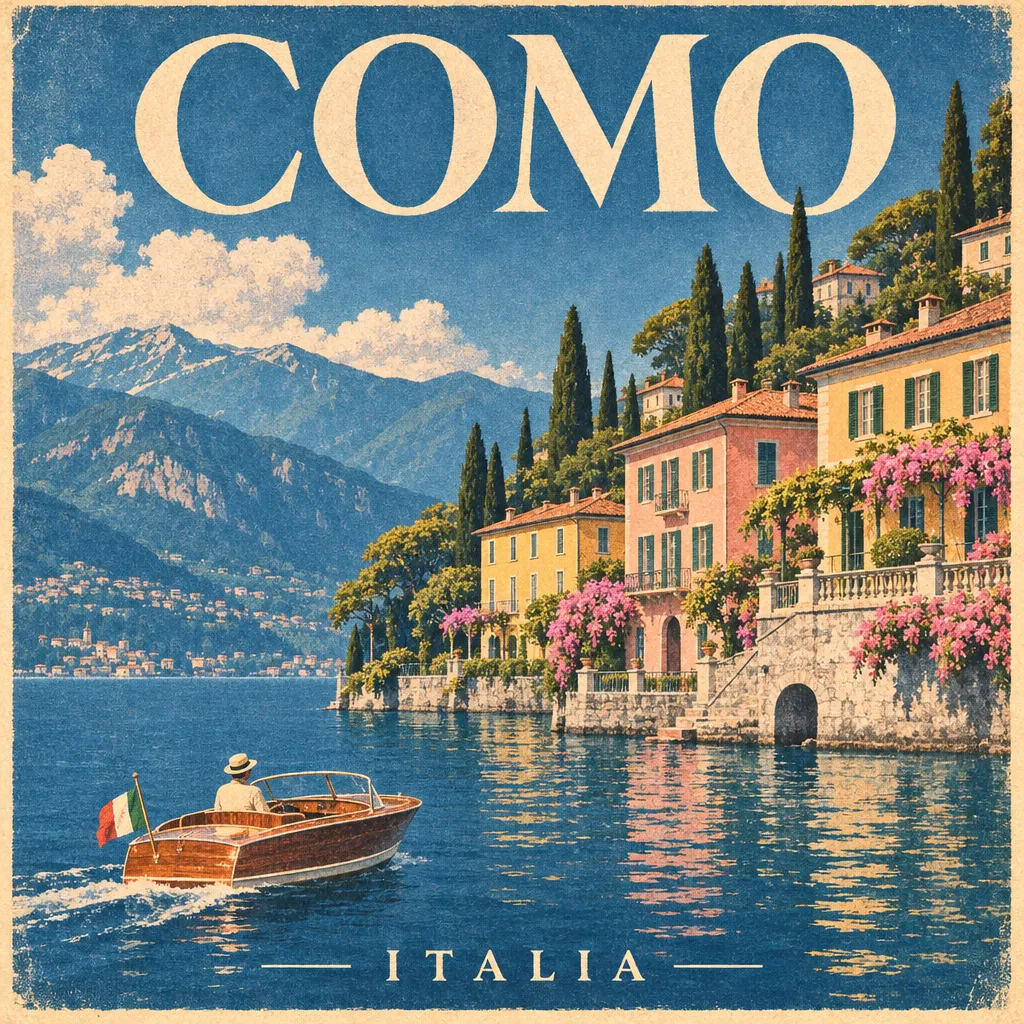
OpenAI
GPT Image 2.6
OpenAI's GPT Image 2.6: looping GIFs, SVG export and stills up to 4K in 15 aspect ratios, with Flare and Sunburst in one model.
What is GPT Image 2.6?
GPT Image 2.6 is OpenAI's image model released in November 2026.
OpenAI says it generates images 50% faster than the previous version and adds GIF animation, SVG export and image markup through its API. It comes in two variants: Flare for speed and better layouts on posters and product imagery, and Sunburst for more detail and steadier results across edits at medium or high quality.
On Flashloop, the same prompt box makes a still, a GIF or an SVG. Stills render at 1K, 2K or 4K, up to 3840 pixels on the long side, in 14 aspect ratios plus auto. GIFs loop at 2 to 16 frames, with a choice of frame size and speed, and you can start one from a reference image. OpenAI's own examples of what GIFs are for include brand mascots, reactions, memes and animated storyboards.
Edits work with up to 16 reference images. In the image editor you can select a region and change only that part. Markup, where annotations show the model where a change belongs, works in the image editor, the mobile app, Flashloop's MCP tools and Super Agent. SVG export turns a prompt into a vector file you can scale and edit, and it runs without reference images.
- Provider
- OpenAI
- Resolution
- 1K, 2K, 4K
- Aspect ratios
- auto, 1:1, 3:2, 2:3, 16:9, 9:16, 4:3, 3:4, 4:5, 5:4, 21:9, 27:16, 16:27, 9:8, 8:9
What you can do with GPT Image 2.6
Looping GIFs
choose the frame size, 2 to 16 frames and the speed of each frame
SVG export
a vector file from your prompt, for logos, icons and flat illustrations
Stills at 1K, 2K or 4K
up to 3840 pixels on the long side
Region edits
select part of an image in the editor and change only that part
Flare and Sunburst in one model
Flare for speed and layouts, Sunburst for detail and consistency across edits
Six quality settings
Auto, Low, Medium, High, Extra High and Max
Up to 16 reference images
for edits, products and recurring characters
15 aspect ratio options
from 21:9 to 16:27, including 4:5 for social feeds and 9:8 for near-square layouts
Prompts to try with GPT Image 2.6
“A cheerful paper-cut fox trotting in place on a sunny meadow path, side view, clean flat colors, seamless walk cycle loop. GIF, 512 by 512, 16 frames, medium quality.”
Where GPT Image 2.6 fits best
Animated mascots and reactions
Turn a character into a short loop for a landing page, a sticker pack or a social reply, in flat colors that hold steady from frame to frame.
Looping storyboards
Sketch out a motion idea as a 16-frame GIF before you spend on a video model, then keep the loop or use a frame as a reference.
Posters and print layouts
Quote your headline and name where it sits, then render the version you like at 4K for print.
Product shots in any format
Attach product photos as references and render the same item at 4:5 for feeds, 21:9 for banners or 16:27 for tall placements.
Region edits
Select one part of an image in the editor, describe the change, and the rest stays as it was.
How GPT Image 2.6 compares
| Model | Top resolution | Aspect ratios | Plan |
|---|---|---|---|
| GPT Image 2.6 | 4K | auto, 1:1, 3:2 +12 | All plans |
| Nano Banana Pro | 4K | 1:1, 3:2, 2:3 +2 | All plans |
| Nano Banana 2.1 | 4K | 1:1, 2:3, 3:2 +11 | All plans |
| Flux 2 | 4MP (2048x2048) | 1:1, 3:2, 2:3 +2 | All plans |
| Seedream 5.0 Lite | 4K | 1:1, 3:2, 2:3 +2 | All plans |
Good to know before you generate
- An SVG is made from the prompt alone, one per generation. A detailed prompt can take over ten minutes, and one still running at 13 minutes fails and is refunded
- GIFs go up to 960 by 960 pixels and 16 frames, and bigger frames allow fewer: 12 at 768 and 9 at 960
- A GIF from a reference image stops at High quality, and Extra High and Max take noticeably longer
- Sunburst takes longer per image than Flare
Start creating with GPT Image 2.6
Create with GPT Image 2.6Select GPT Image 2.6
Open Flashloop and choose GPT Image 2.6 from the model selector in the image creator.
Enter your prompt
Describe what you want to generate.
Generate and download
Hit generate and your image will be ready in seconds. Download or share directly.
Questions about GPT Image 2.6
Who makes GPT Image 2.6?
OpenAI. In the API it comes as two models, GPT-Image-2.6 Flare and GPT-Image-2.6 Sunburst, and Flashloop offers both under one name.
Can GPT Image 2.6 make GIFs?
Yes. Pick GIF as the format, then set the frame size, the number of frames and how long each frame shows. Frames go up to 960 by 960 pixels, and bigger frames allow fewer: 16 up to 512, 12 at 768 and 9 at 960.
What is the difference between Flare and Sunburst?
OpenAI built Flare for speed and layout quality, and says it can generate an image in as little as six seconds at low quality. Sunburst is for work that needs more detail and precision, with steadier results across edits at medium or high quality.
Does Flashloop support SVG export from GPT Image 2.6?
Yes. Pick SVG as the format and describe what you want. An SVG is made from your prompt alone, one per generation, and it suits logos, icons and flat illustrations better than photographic scenes.
What does Auto quality do?
The model chooses the level of detail for your prompt, and a demanding prompt gets more. Pick Low, Medium, High, Extra High or Max when you want a fixed setting.
How many reference images can I use?
Up to 16 per generation, on stills and GIFs. A GIF from a reference image stops at High quality.
More image models on Flashloop
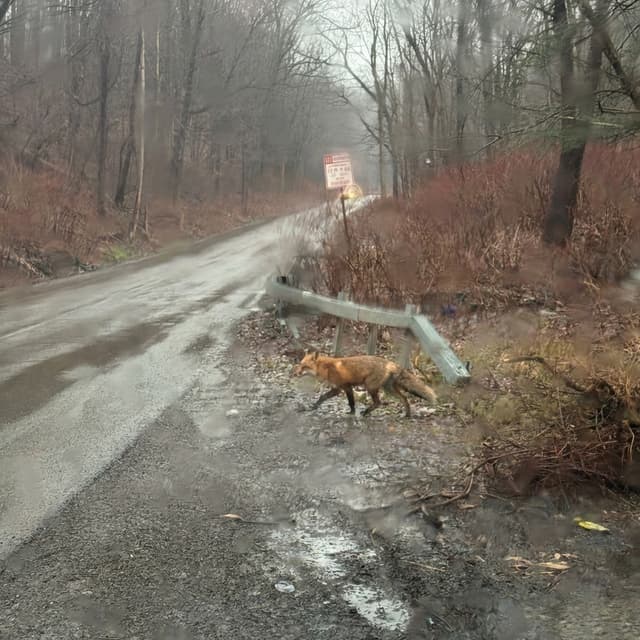 Nano Banana Pro
Google's Gemini 3 Pro Image: 4K images, edits in plain English and clean text in several languages.
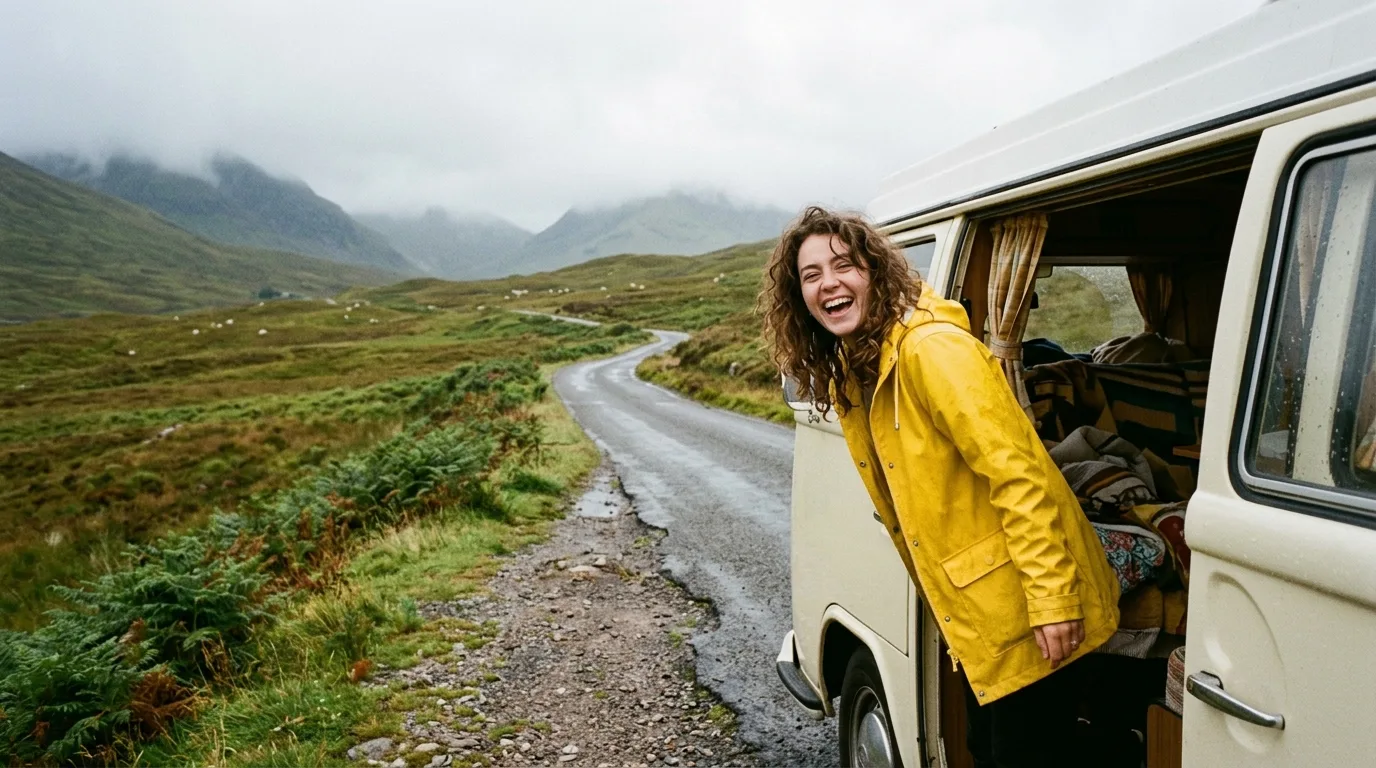 Nano Banana 2.1
Google's Nano Banana 2.1, built on Gemini 3.6 Flash: up to 4K images, clearer text and stronger multi-reference edits.
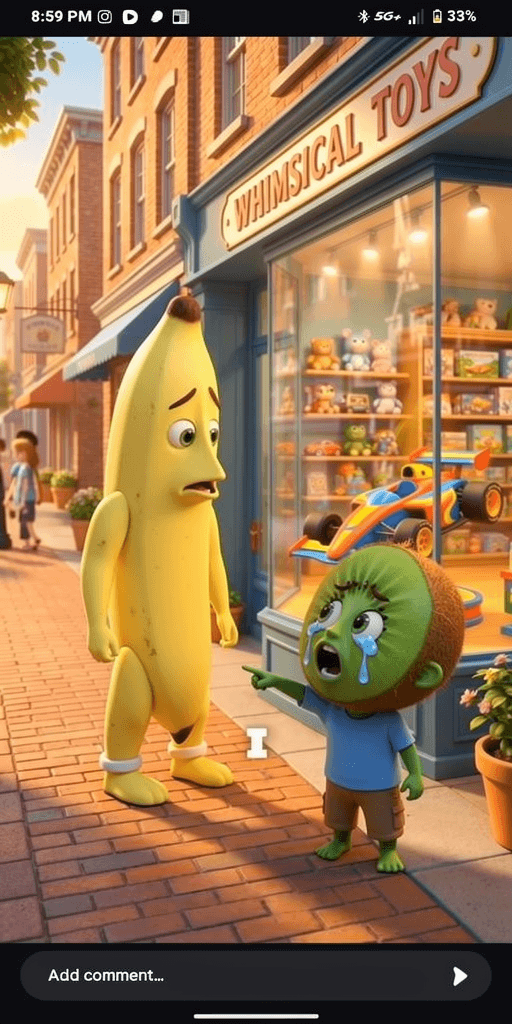 Flux 2
Black Forest Labs' FLUX.2: speed or quality tiers, up to 8 references and up to 4MP images.
 Seedream 5.0 Lite
ByteDance's Seedream 5.0 Lite: fast images that reason through the prompt, with optional web search and clean EN/CN text.