Updated · 11 min read
5 Best Pixlr Alternatives in 2026 (Tested)

Pixlr is a photo editor that learned a large collection of AI tricks. Replacing it with a video generator just because both say AI would be daft, so this guide splits the choices by actual job.
Try Flashloop
In this article
Pixlr is a photo editor first. Pixlr Express handles quick AI edits, while Pixlr Editor has layers, masks and filters. Both sit beside iOS and Android apps. The homepage now leads with AI image, video and audio generators that share one credit balance and run third-party models such as Seedance 2.5, Kling 3.0 and Veo Fast 3.1. That new front door can make a familiar editor look like a different product wearing Pixlr's nametag.
Most people searching for a Pixlr alternative still want a photo editor. Google's "pixlr vs" suggestions are Photopea, Canva, Photoshop and GIMP, not AI video studios. I think that signal matters. If your day involves layers, brushes, cropping and background removal, Flashloop is the wrong replacement because it has no classic editor. This guide focuses on the smaller group using Pixlr mainly as a doorway to its AI generators.
Do you need Photoshop-lite or AI video?
- 1.FlashloopWe build thisOur pick when video generation has replaced photo editing
- 2.Leonardo.AiBest for generative images, LoRA training and a free plan
- 3.Magnific (formerly Freepik)Best for stock, design tools and AI video together
- 4.ImagineArtBest for a large generative app library at a similar price
- 5.OpenArtBest for characters and worlds before video
First decide whether you are replacing the editor
Pixlr's video picker lists 27 models, but a three-model beauty contest would dodge the important decision. A generator can replace Pixlr's AI tab. It cannot replace Pixlr Editor's layers, masks, filters, crop tools or background remover. If those tools are part of the job, compare Pixlr with another photo editor or keep it beside whichever generator you pick.
What pushes Pixlr users to another tab
Pixlr's Plus plan costs $2.49 a month, or $1.99 billed yearly, for 80 AI credits. Premium, the first plan that lists access to all image, video and audio models, is $9.99 a month, or $7.99 billed yearly. That is inexpensive software. The friction in reviews is elsewhere: renewals, filters, the crowded free editor and credits spent on disappointing AI results.
The sources disagree on the mood. Pixlr's Trustpilot score is 2.0 from 179 reviews on www.pixlr.com, yet its iOS app holds 4.34 stars from 5,151 US ratings and the Android app has 100M+ downloads plus an Editors' Choice badge. Pixlr replies to most negative Trustpilot reviews. Its pricing FAQ plainly says processed payments are non-refundable. Flashloop's policy is no softer: all purchases are final and non-refundable, and plan credits do not roll over.
A biased comparison, with clear boundaries
We build Flashloop. It would be silly to pose as disinterested, and even sillier to claim it edits photos like Pixlr. We use Flashloop and its models every day, including Seedance 2.5, Kling 3.0, Veo 3.1 and Wan 3.0.
We did not perform hands-on tests of Pixlr and the four third-party alternatives. In September 2026, we checked their live pricing, model lists, official app listings and public reviews. Their sections show homepages rather than outputs we did not make. The comparison is about verifiable product fit: what each tool generates, whether it still edits photos, what the relevant plan costs, where it runs and what it cannot replace.
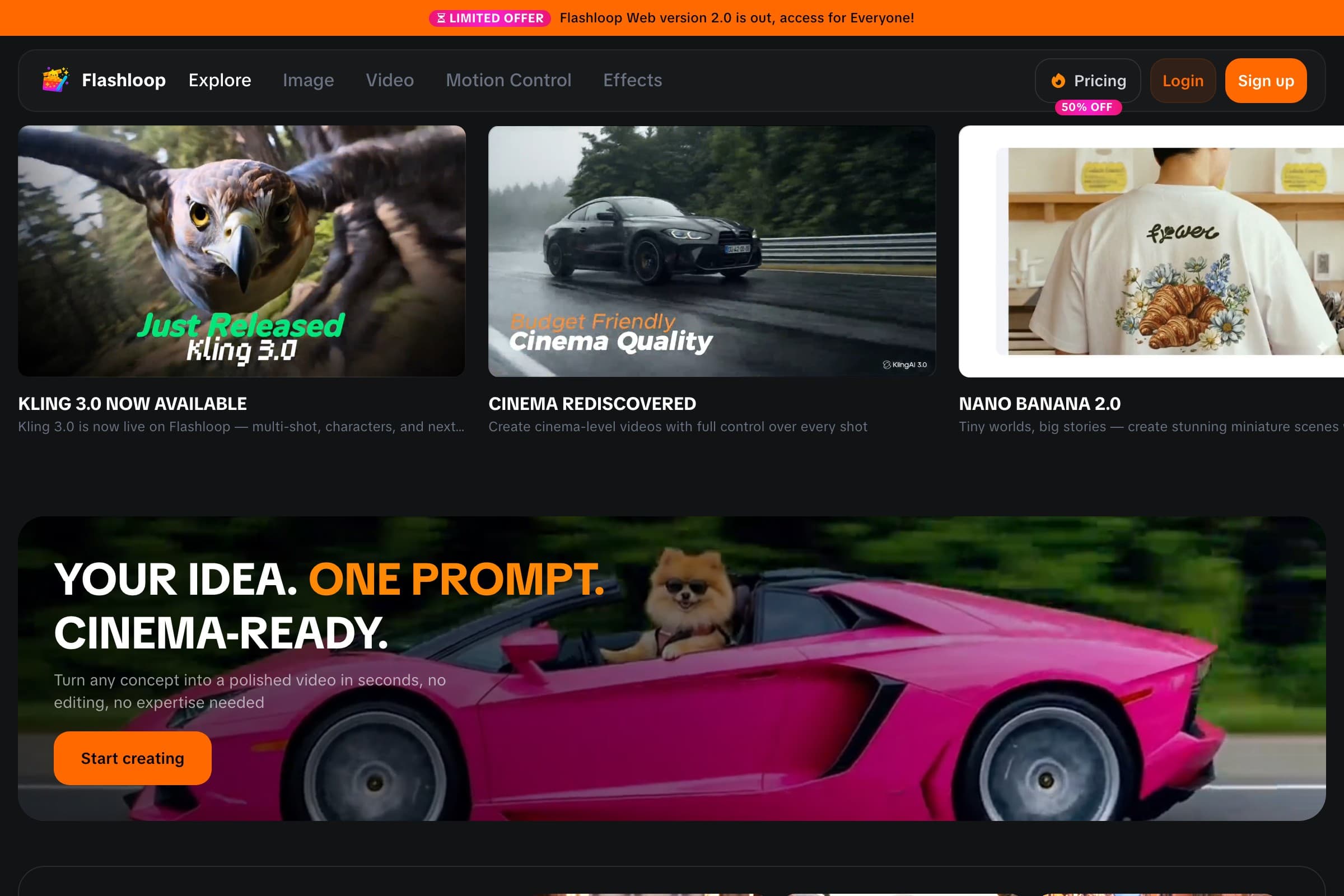
1. Flashloop: for video creators who do not need Pixlr Editor

- Video models
- Seedance 2.5, Kling 3.0, Veo 3.1, Wan 3.0, MiniMax H3 Max, Gemini Omni, Grok Imagine and more
- Free plan
- No, paid plans only
- Starting price
- $19/mo (Starter, with video models such as Veo 3.1 and Seedance 2.0 Mini). Seedance 2.5, Kling 3.0 and every other model start on Creator at $59/mo, or $47/mo billed annually
- Mobile app
- iOS and Android
- Biggest limitation
- No free plan, and it isn't built for studio formats like ProRes
This is a replacement for Pixlr's generators, not Pixlr Editor. Pixlr added AI video to a photo editor. Flashloop was built around generating clips and images. Its video list includes Kling 3.0, Kling 3.0 Turbo, Seedance 2.5, Seedance 2.0, Wan 3.0, MiniMax H3 Max, Veo 3.1, Gemini Omni and Grok Imagine. Image choices include Nano Banana Pro, GPT Image 2.5 and Seedream 5.0 Lite, across web, iOS and Android. You can describe an edit in words or sketch on a canvas. There are no layers, brushes, crop tools or background remover. I would not bury that limitation in the small print.
It is also much more expensive than Pixlr Plus. The $19 Starter plan includes standard video models such as Veo 3.1 and Seedance 2.0 Mini, but Kling 3.0 and Seedance 2.5 start on Creator at $59 a month, or $47 a month billed annually.
The reason to pay more is the creator workflow around those models. Flashloop has a Character Builder for reusable characters and an Apps library for repeatable formats and internet trends, including Sports Anime, Claymation, Viral Skeleton and Glass ASMR. You customize a working recipe instead of reconstructing the prompt each time. Useful for repeat video formats, irrelevant if all you wanted was to remove a sky.

Motion Control and Recast sit on higher plans. An MCP connection lets ChatGPT, Claude or Cursor generate with Kling, Veo, Seedance and Wan, with the results saved in the Flashloop library. Pixlr is the more complete editor. Flashloop is the more focused generation workflow.
Flashloop vs Pixlr
| Feature | Flashloop | Pixlr |
|---|---|---|
| Classic photo editor | No | Yes |
| Background remover | No | Yes |
| Free plan | No | Yes, with ads |
| Reusable characters | Yes | No |
| MCP / | Yes | No |
| Voice cloning | Yes | Preset TTS |
| Seedance 2.5 and Kling 3.0 | Yes | Yes |
| Image generation | Yes | Yes |
| Mobile app (iOS + Android) | Yes | Yes |
| Web app | Yes | Yes |
When Flashloop is the sensible switch
Switch when AI video is the job and the photo editor is unused baggage. These questions describe that case:
- “Would Seedance or Veo handle this shot better than one Pixlr model?”
- “Can I make this viral format with my own character?”
- “Can I recreate this style without rebuilding the prompt every time?”
- “Can I keep every model in one library without a photo-editor bundle?”
When Pixlr should stay open
Pixlr still has a real editor: layers, masks, filters, generative fill, generative expand and a background remover, and generated images can open in Pixlr Express. Plus is $2.49 a month and removes ads. Premium at $9.99 lists access to all image, video and audio models, including Seedance 2.5, Kling 3.0 and Veo Fast 3.1. Its video FAQ says AI video exports carry no watermark, including on free accounts. Some video models go up to 4K. Approved schools and NGOs get Pixlr for Education for free. If that editor, price or education access is why you use Pixlr, staying there makes sense.
If you only use Pixlr for AI video, Flashloop is the cleaner fit. You keep Seedance and Kling and can move among models when one struggles with a shot. You will pay more, especially for flagship models.
If your work needs layers and retouching, keep Pixlr. Pairing it with a generator is less dramatic than a migration, but it is probably the right answer.
2. Leonardo.Ai: best for generative images and LoRA training

- Video models
- Motion 2.0 (its own), plus Seedance 2.5, Kling 3.0, Veo 3.1, Wan 3.0, MiniMax H3, Gemini Omni and more (34 on its models page)
- Free plan
- Yes: 150 tokens a day, but creations are public and free videos are watermarked
- Starting price
- $12/mo, or $10/mo billed annually (Essential, 8,500 tokens a month). Seedance 2.5, Kling 3.0 and Veo 3.1 always cost tokens, even on Premium and Ultimate
- Mobile app
- iOS and Android
- Biggest limitation
- Reviewers report strict prompt filters, and rollover tokens are lost if you cancel
Leonardo.Ai is image-first, with its own Lucid and Phoenix models, LoRA training (Elements), a canvas editor and 34 video models, including Seedance 2.5, Kling 3.0, Veo 3.1 and Wan 3.0. It has a permanent free plan with 150 tokens a day, and Essential starts at $12 a month, or $10 billed yearly.
For a Pixlr user, that is a generation studio, not a replacement for Pixlr Editor. It does have prompt-based edits, inpainting and a background remover, plus a one-click send to Canva. Reviewers report strict prompt filters, and unused rollover tokens are lost if you cancel. Free creations are public, and free videos are watermarked.
Choose Leonardo.Ai if you want to train image models and keep a free plan. Choose Flashloop if video is the main output and you want trend workflows on iOS and Android.
3. Magnific: best for stock, design and AI video

- Video models
- Veo 3.1, Gemini Omni, Seedance 2.5, Kling 3.0, Runway Gen-4.5, Wan 3.0, MiniMax H3 and more
- Free plan
- Yes, limited: up to 20 in-house AI image generations a day, personal use with attribution
- Starting price
- $20/mo, or $14.50/mo billed annually (Premium)
- Mobile app
- iOS and Android
- Biggest limitation
- Billing complaints, and some models are moving from Unlimited to credits at renewal
Magnific, the new name for Freepik since April 2026, combines image, video and audio models, including Kling 3.0, Veo 3.1 and Seedance 2.5, with a stock library, editing tools, upscalers and the Spaces node-based canvas. Premium starts at $20 a month, or $14.50 billed annually.
If you used Pixlr because design work sits next to generation, that bundle is closer than a video-first app. It is not a $2.49 photo editor. Reviewers report billing complaints, and some models are moving from Unlimited to credits at renewal.
Magnific suits design teams that want stock and AI in one stack. For a solo creator mainly making AI clips, I'd put Flashloop or Krea ahead of it.
4. ImagineArt: best for a large generative app library

- Video models
- Seedance 2.5, Kling 3.0, Veo 3.1, Wan 3, MiniMax Hailuo H3, Runway 4.5, Sora 2 (in Apps) and more (38 in the video picker, 44 in docs)
- Free plan
- Yes: 100 credits a day, limited to models such as ImagineArt 1.0 Lite and Flux Dev. Video generation needs a paid plan
- Starting price
- $13/mo (Basic, 3,000 credits). Video needs a paid plan. The page opens on Yearly at $9/mo for Basic. Seedance 2.5 unlimited is advertised on Creator at $250/mo, or $175/mo billed yearly
- Mobile app
- iOS and Android
- Biggest limitation
- Video is locked behind a paid plan, unused plan credits do not roll over, and reviewers report yearly charges and refunds that are hard to get. The pricing page opens on Yearly
ImagineArt is a web, iOS and Android studio with a large third-party catalog, including Seedance 2.5, Kling 3.0, Veo 3.1, Wan 3, Runway 4.5 and a Sora 2 app, plus its own ImagineArt image models, Film Studio and node-based Workflows. Basic is $13 a month, or $9 billed yearly.
That is a similar entry price to Pixlr Premium, with more apps around the models. Video generation needs a paid plan. The pricing page opens on yearly billing, and reviewers report yearly charges and refunds that are hard to get. Unused plan credits do not roll over.
Choose ImagineArt if the app library and studios matter more than a photo editor. Choose Flashloop if you want named Seedance, Kling, Veo and Wan without a yearly default at checkout.
5. OpenArt: best for characters and worlds before video

- Video models
- Seedance 2.5, Kling 3.0, Veo 3.1, Wan 3.0, MiniMax H3, Gemini Omni Flash and more
- Free plan
- No ongoing free plan: a 7-day trial with 40 credits and no videos
- Starting price
- $14/mo, or $13/mo billed annually (Starter). Commercial use starts on Plus ($34/mo)
- Mobile app
- No, it runs in mobile browsers
- Biggest limitation
- Credit costs are hard to predict, especially in the Director story tool
OpenArt offers Kling 3.0 (plus 3.0 Omni and 3.0 Motion Control), Seedance 2.5, Veo 3.1, Wan 3.0 and MiniMax H3, with a Director tool that turns ideas into multi-shot stories. It goes deepest before the video step, with personalized model training and OpenArt Worlds for 3D environments.
Starter is $14 a month, or $13 billed annually. Commercial use starts on Plus at $34 a month. There is no official mobile app, and there's no ongoing free plan, only a 7-day trial without videos. Credit costs are hard to predict, especially in Director.
OpenArt fits creators who build characters and worlds before animating them. Flashloop is the more direct pick when video is the whole job and a world-building phase would just become another tab.
Pixlr alternatives by job, not hype
These are the cheapest monthly paid tiers I found in September 2026. None is a first-month teaser. ImagineArt does quietly open its pricing page on yearly billing, the web-design equivalent of placing the cheaper cereal at eye level.
| Tool | Free plan | Starting price | Mobile app |
|---|---|---|---|
| Flashloop | Free plan: No | Starting price: $19/mo | Mobile app: iOS + Android |
| Leonardo.Ai | Free plan: 150 tokens/day | Starting price: $12/mo | Mobile app: iOS + Android |
| Magnific (formerly Freepik) | Free plan: Limited | Starting price: $20/mo | Mobile app: iOS + Android |
| ImagineArt | Free plan: Yes, 100/day | Starting price: $13/mo | Mobile app: iOS + Android |
| OpenArt | Free plan: 7-day trial | Starting price: $14/mo | Mobile app: No |
| Pixlr | Free plan: Yes, with ads | Starting price: $2.49/mo | Mobile app: iOS + Android |
Do not compare Pixlr Plus with a video plan
Pixlr Plus is a $2.49 editor plan with 80 AI credits. Treating it as the price to beat for a flagship-video subscription produces a nonsense comparison. Start with the job, then check these numbers:
- Price the exact model. Pixlr lists Seedance 2.5 at 250 credits. Plus includes 80 credits a month. Premium's 1,000 credits equal about four of those clips if each one works on the first try.
- Find the access line. Pixlr Plus does not say which models it excludes. Premium is the first plan that lists access to all image, video and audio models. On Flashloop, Seedance 2.5 and Kling 3.0 start on Creator, not Starter.
- Use the renewal price. Pixlr has no first-month promo in the contexts we checked. Yearly billing saves 20%. ImagineArt's page opens on Yearly.
- Keep the editor in the total. Leaving Pixlr means giving up the layer-based editor, generative fill and background remover. Switching only the AI generators is a smaller move than replacing the whole photo workflow.
Pixlr's pricing and promotions change, so check its current pricing page before deciding.
The honest answer may be two tools
Flashloop is our pick only if Pixlr has already become a generator for you. It keeps Seedance and Kling, adds Veo and Wan, and wraps them in creator workflows with reusable characters on iOS and Android. For an actual Pixlr Editor user, it is not the best alternative because it is not a photo editor. Keep Pixlr, or compare dedicated editors, and add a video tool only if you need one.
If generation is the part you are replacing, use this shortlist:
- Choose Flashloop if you want AI video models without a photo-editor bundle.
- Choose Leonardo.Ai if you train image models and want a permanent free plan.
- Choose Magnific if you need stock, design tools and AI video together.
- Choose ImagineArt if a large generative app library matters more than price.
- Choose OpenArt if you build characters and worlds before video.
If the job still involves layers, brushes, crop, a background remover or Pixlr for Education, stay with Pixlr unless another photo editor wins that comparison. Flashloop does not replace it, and pretending otherwise would turn this guide into an ad with nicer punctuation.
Frequently asked questions
What is the best Pixlr alternative?
If video generation has become the job, our pick is Flashloop. It puts Seedance, Kling, Veo, Wan, MiniMax and Grok beside character and trend workflows on web, iOS and Android.
If you still need a classic photo editor, Flashloop is the wrong swap. Leonardo.Ai is stronger for generative images and LoRA training, while Magnific puts stock and design tools next to AI video.
Is Flashloop better than Pixlr?
It depends on the workflow.
Flashloop is a better fit if the job is generating AI video and images across Seedance, Kling, Veo and Wan, with reusable characters and trend apps. Pixlr is the better fit if you need a layer-based photo editor, generative fill, a background remover, a free plan with ads, or its $2.49 Plus plan.
Does Flashloop have a photo editor like Pixlr?
No. Flashloop can edit a generated or uploaded image by describing the change in words, and it has a sketch-to-image canvas. It has no layers, brushes, crop tools, filters, background remover or design templates.
If that editor is why you use Pixlr, stay there, or look at a dedicated photo editor rather than an AI video platform.
What is the best free Pixlr alternative?
Leonardo.Ai's free plan gives 150 tokens a day, with public creations and watermarked videos. ImagineArt gives 100 credits a day, but video generation needs a paid plan. Magnific has a limited free plan. Flashloop has no free plan, and OpenArt has no ongoing free plan.
Pixlr itself can be used without paying, with ads, 3 saves a day and 20 AI credits for new accounts. Free tiers change often, so check the current limits before choosing a platform around them.
Which Pixlr alternative is cheaper?
Among these five, Leonardo.Ai Essential is $12 a month, ImagineArt Basic is $13 a month, OpenArt Starter is $14 a month, Flashloop Starter is $19 a month and Magnific Premium is $20 a month.
Pixlr Plus is $2.49 a month, or $1.99 billed yearly, so none of these is cheaper than Pixlr's entry plan. Plus includes 80 AI credits a month. Premium, at $9.99 a month, is the first Pixlr plan that lists access to all image, video and audio models.
Does Pixlr have a mobile app?
Yes. Pixlr has official iOS and Android apps, listed as Pixlr AI Photo & Video Editor. Among this shortlist, Flashloop, Leonardo.Ai, Magnific and ImagineArt have iOS and Android apps. OpenArt has no official mobile app.
Can I use Seedance and Kling on Pixlr?
Yes. Pixlr's video generator lists Seedance 2.5, Kling VIDEO 3.0 and Veo Fast 3.1, among 27 models in its picker. Premium, at $9.99 a month or $7.99 billed yearly, is the first plan that lists access to all image, video and audio models.
Seedance 2.5 is listed at 250 credits in that picker, so Premium's 1,000 monthly credits equal about four of those clips. On Flashloop, Seedance 2.5 and Kling 3.0 start on Creator at $59 a month, or $47 a month billed annually.
More comparisons
- Best Higgsfield alternativesSeven Higgsfield AI alternatives compared on models, pricing, free plans and mobile apps.
- Flashloop vs HiggsfieldPlans, credits, Unlimited queues, apps and workflows, side by side.
- Is there a Higgsfield app?What to install on iPhone and Android, and the look-alike apps to avoid.
- Yapper alternativesCompare Yapper alternatives for lip-sync, talking characters, agent workflows and general AI video, with current model, pricing and mobile details.
- Pollo AI alternativesCompare Pollo AI alternatives for multi-model video, cinematic presets, mobile apps and more predictable plans. We separate permanent value from sale stickers.
- Morphic alternativesCompare Morphic alternatives for infinite canvases, timelines, agent workflows, trained characters and mobile creation, with the important pricing caveats.

Victor Saisse is a Founding Engineer at Flashloop, where he builds the web and mobile apps and the AI model integrations behind them.